Kubernetes LAB
Introduction
Here is my own lab that I use for learing Kubernetes. I installed 3 vms (Qemu) Ubuntu 25 inside and I have installed kubectl and docker.io.
Pre-Requesites
Set Unique Hostname on each VM
I user virtual bridge. virtbr0 => vm1, vm2, vm3. (image coming soon) Hostname must be unique and I have to change IP DHCP to IP static otherwise the vms cannot interact each other.
change the hostname using
sudo hostnamectl set-hostname (you-desirehostname)
- vm1 => (k8s-master)
sudo hostnamectl set-hostname k8s-master
- vm2 => (k8s-worker-1)
sudo hostnamectl set-hostname k8s-worker-1
- vm3 => (k8s-worker-2)
sudo hostnamectl set-hostname k8s-worker-2
Don't forget to off the swap
sudo swapoff -a
Set Static IP and MAC
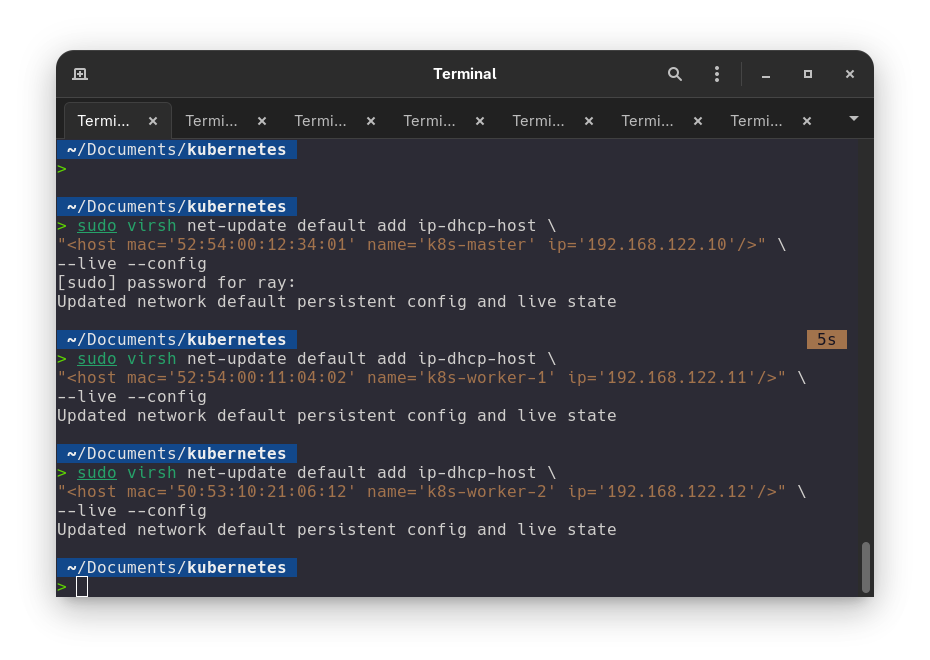
I use DHCP reservation to tell virtbr0 giving my desire IP (.10,.11.12)
- VM1 (k8s-master) => 192.168.122.10
sudo virsh net-update default add ip-dhcp-host \
"<host mac='52:54:00:12:34:01' name='k8s-master' ip='192.168.122.10'/>" \
--live --config
- VM2 (k8s-worker-1) => 192.168.122.11
sudo virsh net-update default add ip-dhcp-host \
"<host mac='52:54:00:11:04:02' name='k8s-worker-1' ip='192.168.122.11'/>" \
--live --config
- VM3 (k8s-worker-2) => 192.168.122.12
sudo virsh net-update default add ip-dhcp-host \
"<host mac='50:53:10:21:06:12' name='k8s-worker-2' ip='192.168.122.12'/>" \
--live --config
-
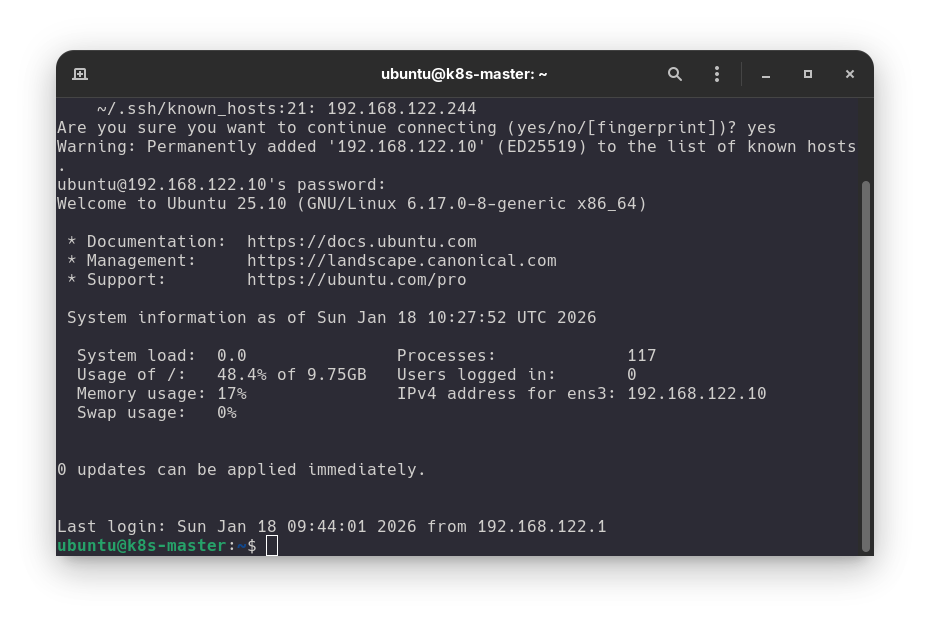
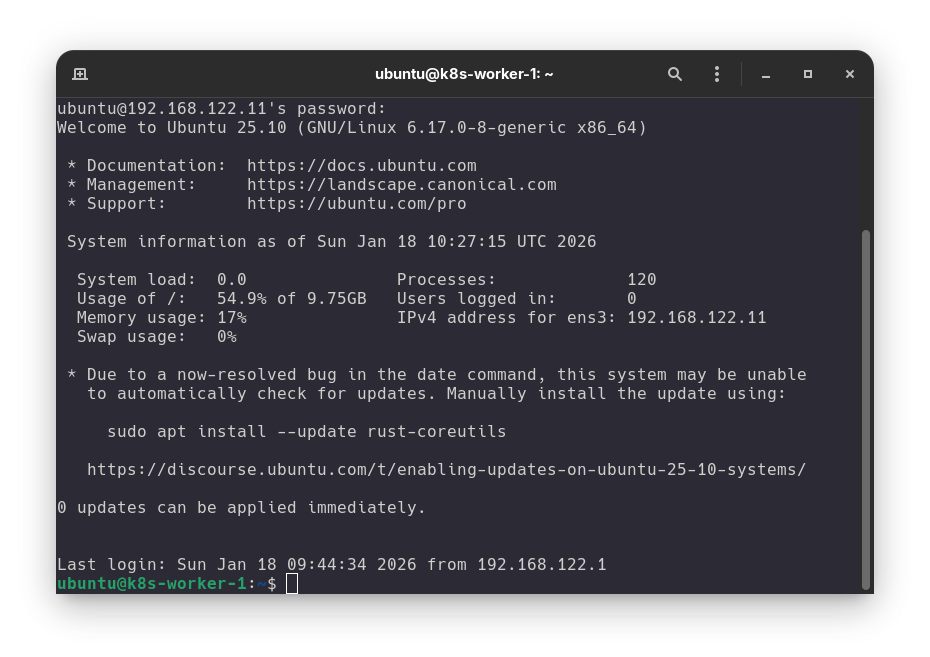
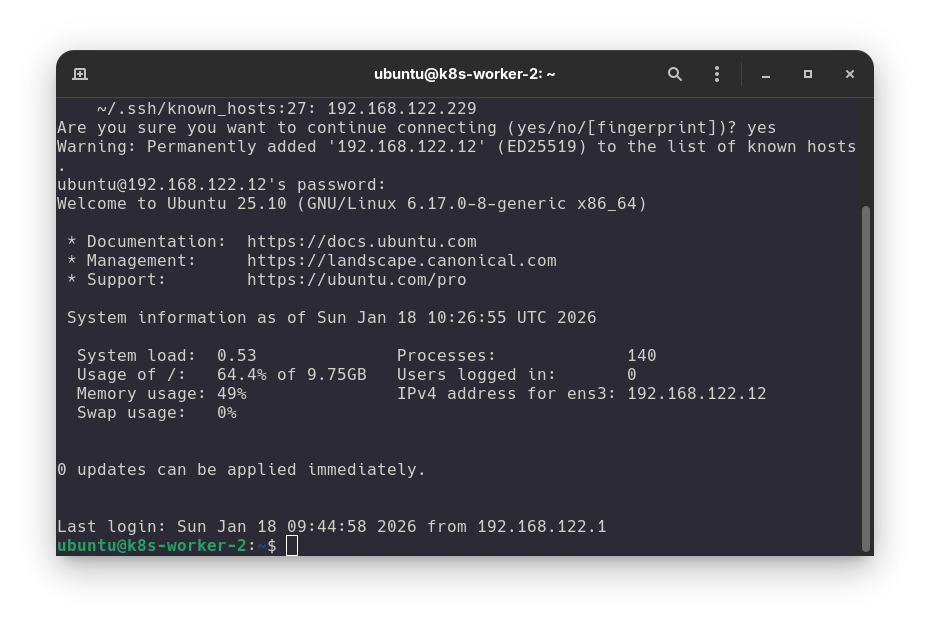
Setelah merubah IP dan hostname saya harus me
rebootvms nya. -
VM 1 (k8s-master)
-
VM 2 (k8s-worker-1)
-
VM 3 (k8s-worker-2)
Modul Kernel
These command shuld be run in each vms.
1. Configure Kernel Module
It should be activate this module in order to the traffic from the bridge network can be prossed by firewall.
# Membuat file konfigurasi agar modul dimuat otomatis saat booting
cat <<EOF | sudo tee /etc/modules-load.d/k8s.conf
overlay
br_netfilter
EOF

# Mengaktifkan modul sekarang juga
sudo modprobe overlay
sudo modprobe br_netfilter
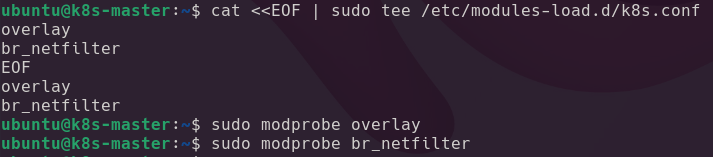
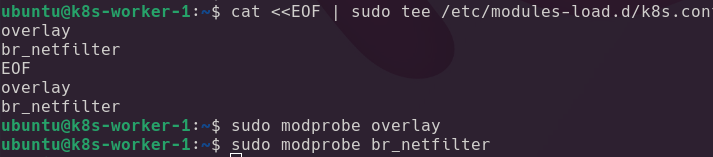
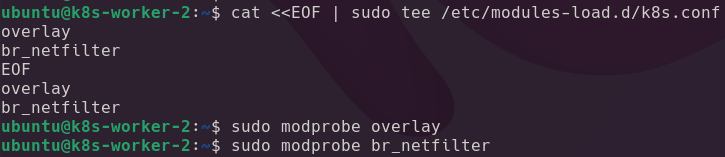
Screenshot : Screenshot :
-
VM1 (k8s-master => 192.168.122.10)
-
VM2 (k8s-worker-1 => 192.168.122.11)
-
VM1 (k8s-worker-2 => 192.168.122.12)
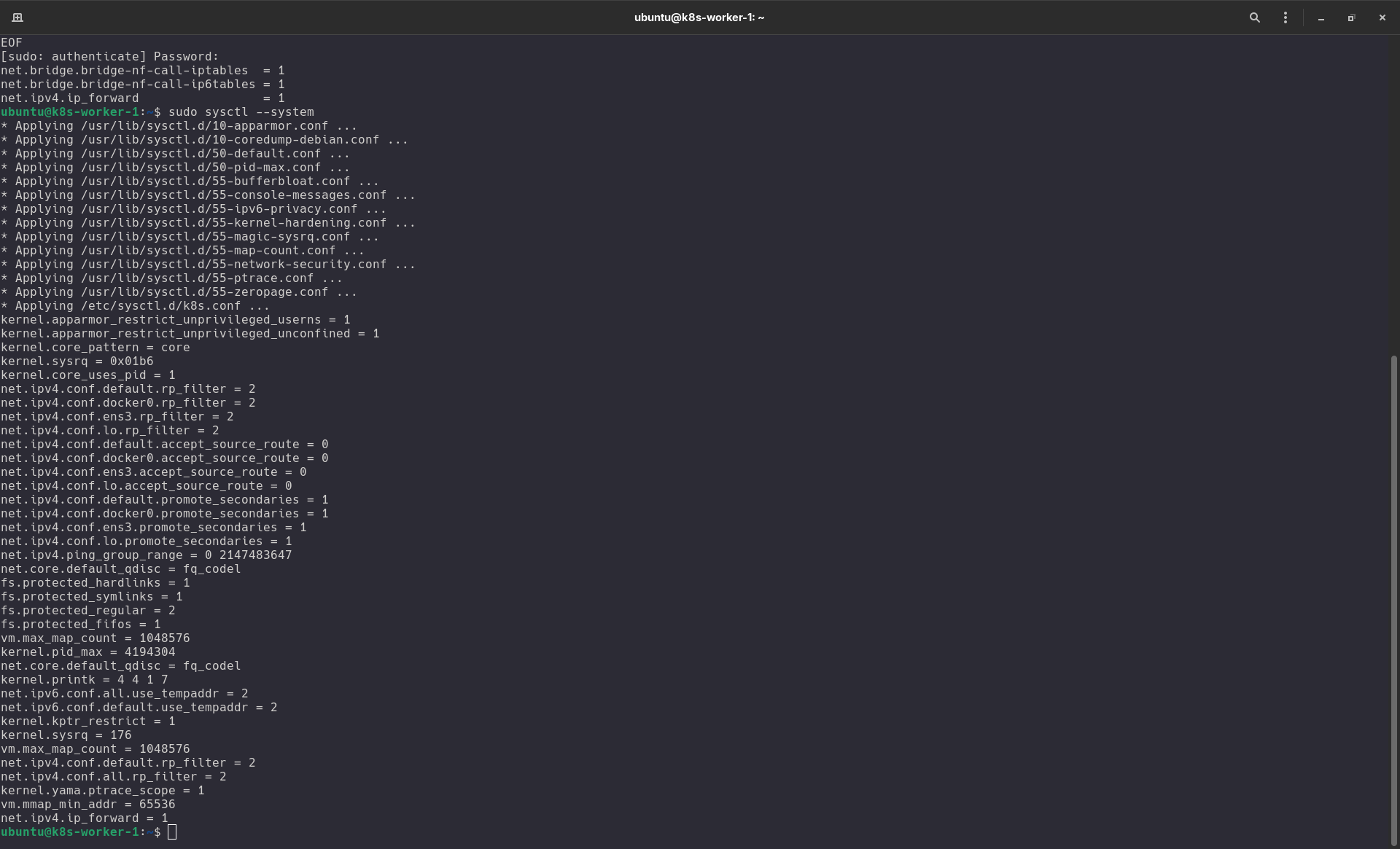
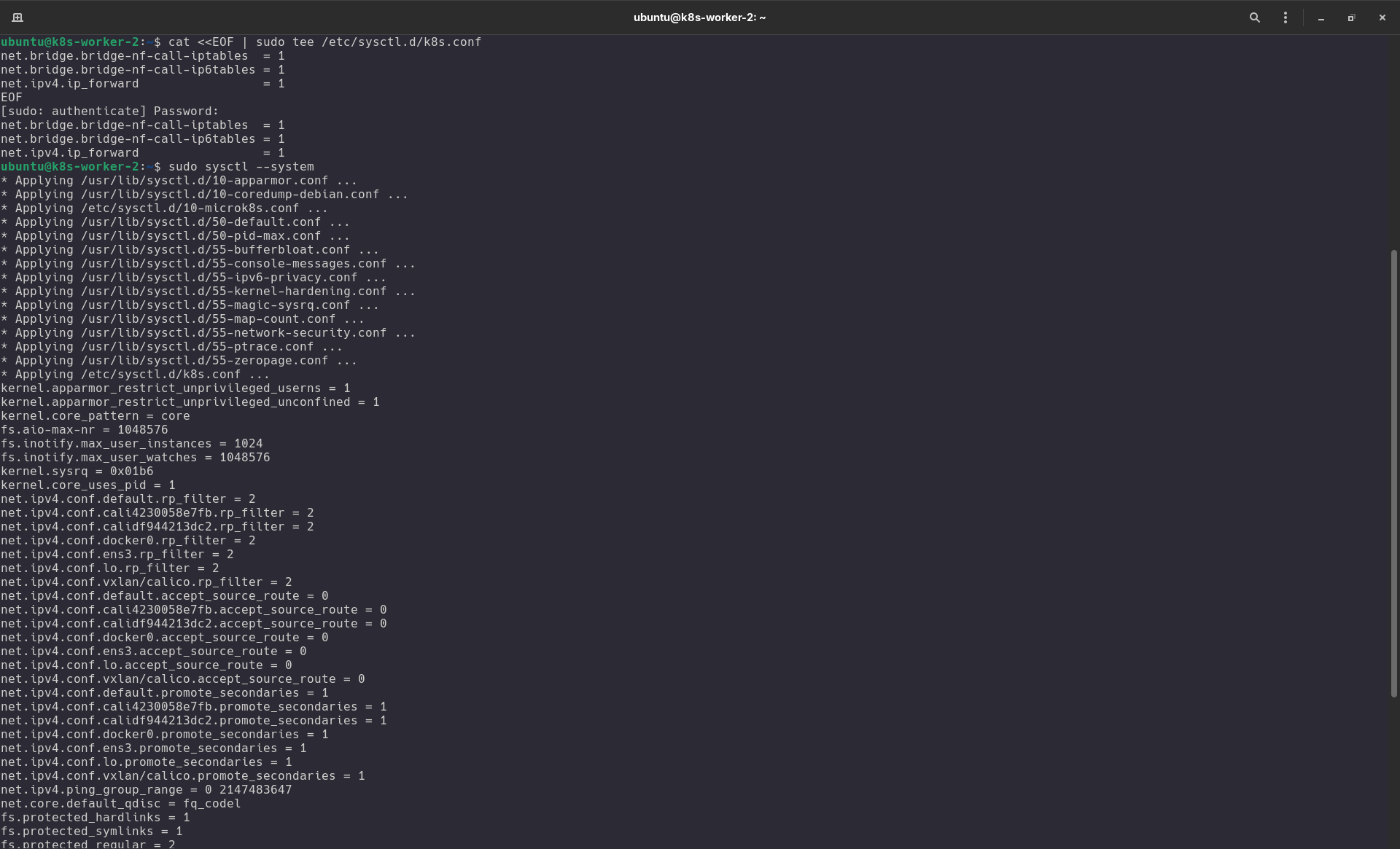
2. Konfigurasi Parameter Jaringan (Sysctl)
Langkah ini sangat penting agar Kubernetes bisa mengatur lalu lintas data antar Pod secara benar melalui iptables.
# Membuat file konfigurasi sysctl
cat <<EOF | sudo tee /etc/sysctl.d/k8s.conf
net.bridge.bridge-nf-call-iptables  = 1
net.bridge.bridge-nf-call-ip6tables = 1
net.ipv4.ip_forward                 = 1
EOF

# Menerapkan perubahan tanpa restart
sudo sysctl --system
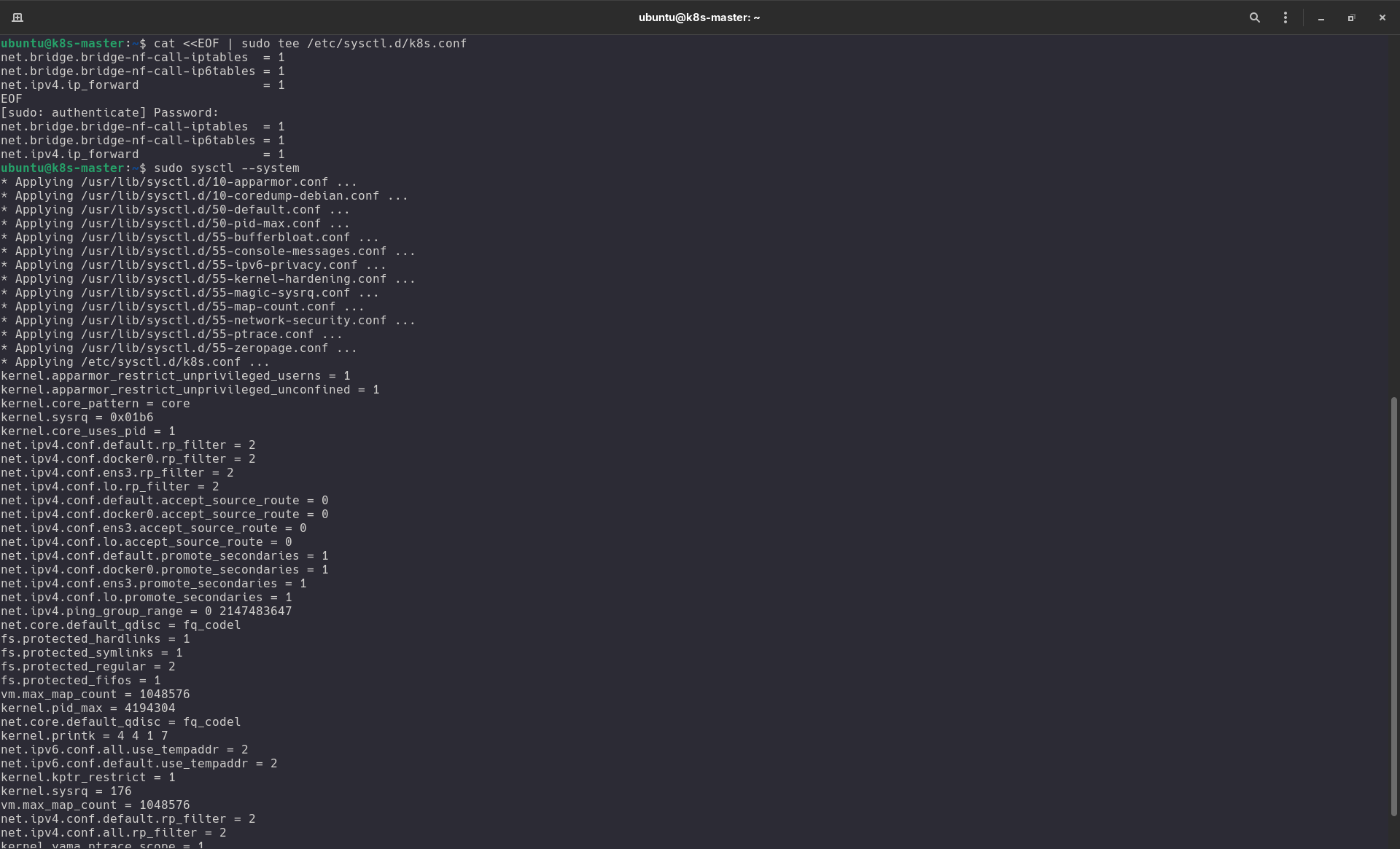
Screenshot :
-
VM1 (k8s-master => 192.168.122.10)
-
VM2 (k8s-worker-1 => 192.168.122.11)
-
VM1 (k8s-worker-2 => 192.168.122.12)
Setelah menjalankan perintah di atas di semua VM, kamu bisa memastikan modul sudah aktif dengan mengetik:
lsmod | grep -e br_netfilter -e overlay
Install kubectl kubelet kubeadm
Next step we need to install kubectl, kubelet and kubeadm in each vm.
this is an official documentation from kubernetes using native package using apt.
Follow the instruction in kubernetes documentation first.
sudo apt-get update
sudo apt-get install -y kubelet kubeadm kubectl
# dont forget to hold kubernetes component version
sudo apt-mark hold kubelet kubeadm kubectl
if you want to update kubernetes components do not forget unhold the components, just hit this command.
sudo apt-mark unhold kubelet kubeadm kubectl