Connecting Laravel 12 to PostgreSQL in Arch Linux
· One min read

Installing PostgreSQL
Install postgresql in your arch using
sudo pacman -S postgresql php-pgsql apache

# activate postgresql and apache systemd services
sudo systemctl enable {postgresql,httpd}
sudo systemctl start {postgresql,httpd}

# verify
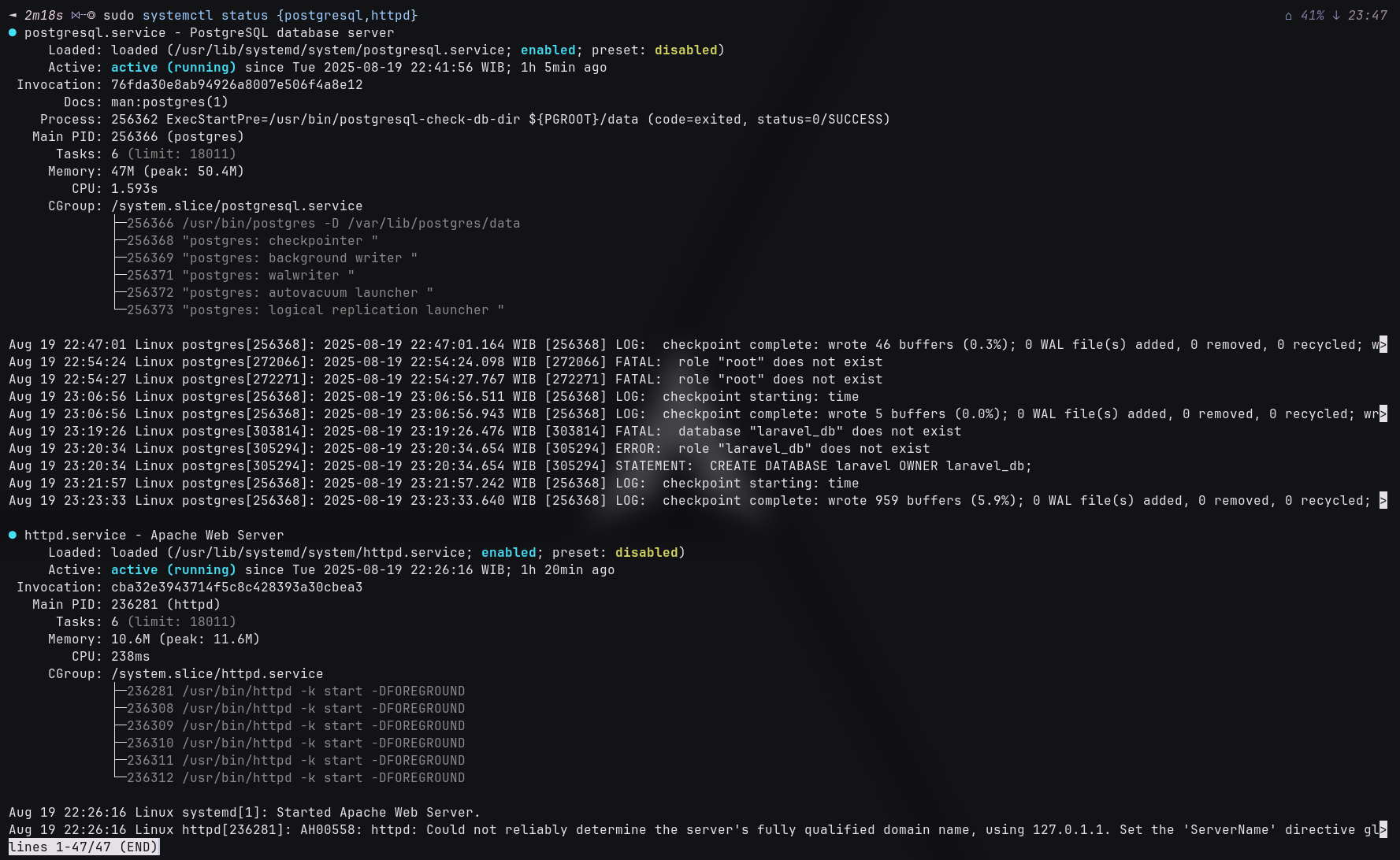
sudo systemctl status {postgresql,httpd}
It will look like this
Create User & Database in postgresql
Create User
sudo -iu postgres
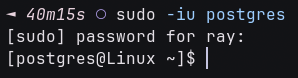
After login to posgresql database, then create user
# create new user
createuser --bypassrls -s -l -d laravel

Create Database
createdb -O laravel laravel_db

Set .env in Laravel
DB_CONNECTION=pgsql
DB_HOST=127.0.0.1
DB_PORT=5432                # port postgresql
DB_DATABASE=laravel_db      # database
DB_USERNAME=laravel         # user
DB_PASSWORD=
then php artisan migrate:fresh.
Done!